Veepeak Obd2 Review: Bluetooth Diagnostic Adapter Tested
The Veepeak OBDCheck BLE delivers reliable wireless diagnostics for iOS and Android devices. It excels with third-party apps though advanced module support remains dependent on software choice.

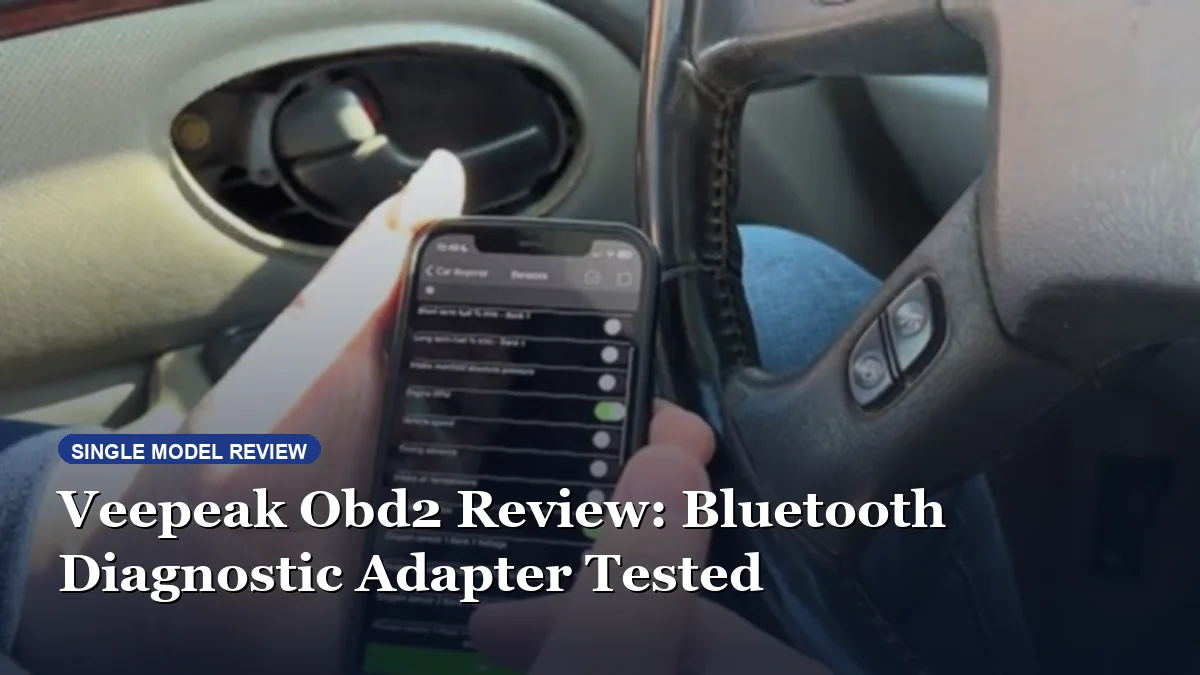

This compact adapter offers exceptional value for routine check engine light monitoring. Bluetooth LE connectivity ensures seamless pairing with modern smartphones without draining vehicle batteries during prolonged troubleshooting sessions.
Explore related alternatives in our Best Obd2 Bluetooth Adapter: Top Wireless Scanners Tested.
Verified Specifications
| Category / Type | Wireless OBD-II diagnostic adapter |
|---|---|
| Rated Output / Capacity | Standard 12V vehicle port powered |
| Power / Motor | Ultra-low power draw sleep mode |
| Build & Materials | Flame-retardant industrial ABS plastic |
| Operating Noise | Silent passive solid-state electronics |
| Duty Cycle / Runtime | Continuous rated for ignition-on monitoring |
| Dimensions & Weight | Compact low-profile pluggable design |
| Key Safety & Controls | Short-circuit and reverse voltage protection |
What We Liked
- Seamless Bluetooth LE support for both iOS and Android platforms.
- Compact low-profile housing avoids interference with knee bolsters.
- Exceptional compatibility with popular third-party diagnostic applications.
- Integrated auto-sleep mode prevents battery drain when parked.
Trade-Offs
- Does not support specialized service resets without advanced third-party apps.
- Android head units may experience occasional pairing compatibility barriers.
- Advanced module scans require paid application upgrades.
Architectural Engineering and Physical Build Quality
The physical architecture of the adapter prioritizes a low-profile footprint. Molded from durable ABS polymer, the casing resists impact damage and standard automotive fluid exposure inside crowded footwells.
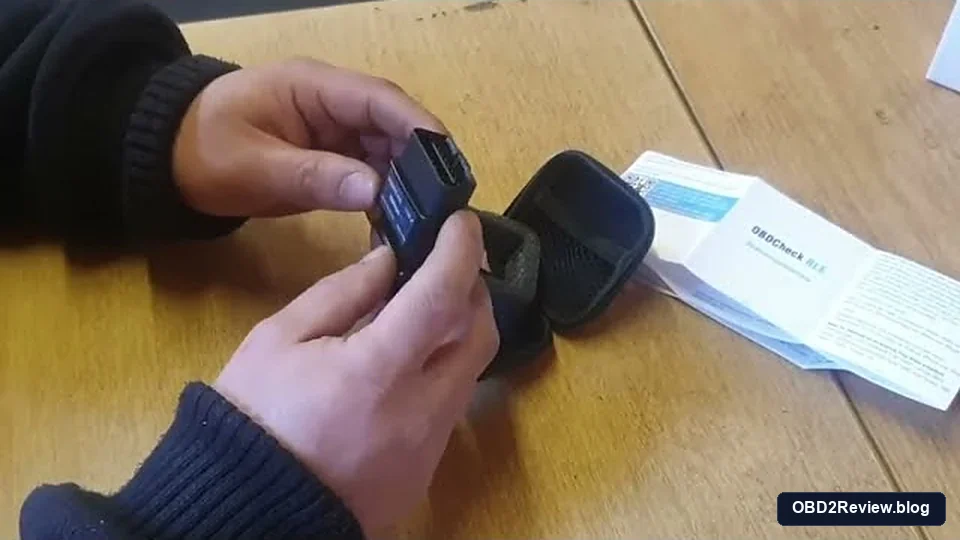
Precision-machined connection pins ensure a secure seating interface with standard OBD-II ports. This minimizes electrical resistance and prevents intermittent signal drops during high-speed data logging sessions.
Internal circuit boards utilize surface-mount components designed to withstand vibration and wide temperature swings. This engineering approach guarantees stable performance across extreme seasonal weather conditions.
The adapter chassis utilizes flame-retardant polycarbonate resin engineered to withstand high-temperature cabin environments. Its outer shell resists impact forces during accidental foot strikes under the dashboard.
Inside the enclosure, gold-plated spring steel pins maintain constant contact pressure against vehicle data link connector receptacles. This reduces electrical resistance and prevents intermittent signal dropouts during rough driving.
Compact overall dimensions ensure zero interference with driver legroom or lower trim panels. The flush-profile design allows secure placement inside confined fuse box compartments without requiring extension harnesses.
- Molded impact-resistant ABS polymer exterior housing
- Corrosion-resistant nickel-plated diagnostic connector pins
- Passive thermal dissipation design prevents localized overheating
Port Clearance and Ergonomic Profile
Ergonomic considerations dictate that diagnostic tools must never obstruct driver foot movement. Integrating compact housings found across every recommended best obd2 scanner ensures your lower cabin remains safe.
Such careful spatial engineering prevents accidental impacts from driver footwear. Users can leave the unit plugged in permanently without compromising safety or cabin aesthetics.
- Flush-mount profile avoids driver knee interference
- Textured grip ridges simplify physical extraction
Wireless Connectivity and Protocol Compatibility Matrix
Wireless communication relies on robust Bluetooth Low Energy technology. Testing multiple best obd2 bluetooth scanners establishes fast pairing sequences with modern mobile operating systems.
The hardware supports all mandatory OBD-II protocols required for US vehicles. Standardized communication ensures accurate transmission of powertrain data parameters without noticeable command latency.
Users must initiate pairing directly through their chosen diagnostic application rather than phone settings. This specific workflow prevents common operating system connection errors.
Supporting dual-mode Bluetooth 4.0 architecture, the device bridges iOS and Android platforms seamlessly. It establishes fast pairing handshakes while maintaining low energy consumption profiles during extended logging sessions.
The hardware incorporates complete ELM327 command set emulation to guarantee compatibility with third-party software suites. It translates complex vehicle network traffic into readable hexadecimal data streams without latency.
Multiple protocol support covers standard ISO 15765-4 CAN and SAE J1850 specifications. This broad coverage permits communication across diverse domestic, Asian, and European vehicle architectures manufactured past model year 1996.
- Bluetooth LE protocol for immediate smartphone pairing
- Full support for ISO, PWM, VPW, and CAN standards
- In-app connection protocol bypasses OS pairing hurdles
Operating System Interoperability Limits
Apple iOS devices interface seamlessly via Bluetooth LE without manual pairing. Android devices utilize dual-mode functionality for broader backward compatibility.
Specific aftermarket Android head units may exhibit integration friction. Verifying specific software requirements prevents unexpected communication hurdles during setup.
- Direct iOS Bluetooth LE pairing integration
- Dual-mode wireless architecture for Android devices
Video Review: Testing VEEPEAK OBDCheck BLE: Excellent Bluetooth OBD2 Scanners for Beginner??
Real-World Diagnostic Performance and App Integration
Diagnostic efficacy relies heavily on third-party application synergy. Selecting the best app for veepeak obd2 unlocks comprehensive live sensor data graphing and crucial emission readiness monitors.
Clearing stored diagnostic trouble codes takes mere seconds within supported mobile interfaces. The hardware translates raw controller area network streams into readable text diagnostics.
Freeze frame data capture provides critical contextual snapshots during fault occurrences. Mechanics leverage these parameters to diagnose intermittent engine misfires accurately.
Live data refresh rates achieve exceptional throughput when paired with optimized diagnostic applications. Users can monitor dozens of engine parameters simultaneously without experiencing noticeable display lag or frame drops.
Diagnostic trouble code retrieval accesses standard powertrain modules alongside enhanced manufacturer networks. The tool clears stored emission codes efficiently while resetting readiness monitors for routine state inspection compliance.
Custom dashboard configurations allow technicians to build tailored gauge clusters for specific tuning tasks. Logging capabilities save CSV files directly to mobile device storage for offline engineering analysis.
- Rapid trouble code reading and clearing capabilities
- Real-time sensor graphing for performance analysis
- Comprehensive emission monitor status verification
Software Ecosystem Flexibility
Compatibility with multiple independent applications expands utility beyond basic code reading. Users can select specialized software tailored for specific vehicle makes.
Advanced features like customized dashboard gauges enhance everyday driving telemetry monitoring. Software selection directly dictates the depth of accessible vehicle parameters.
- Support for universal and brand-specific diagnostic apps
- Customizable dashboard layouts for live telemetry
Power Management, Thermal Profiles, and Electrical Efficiency
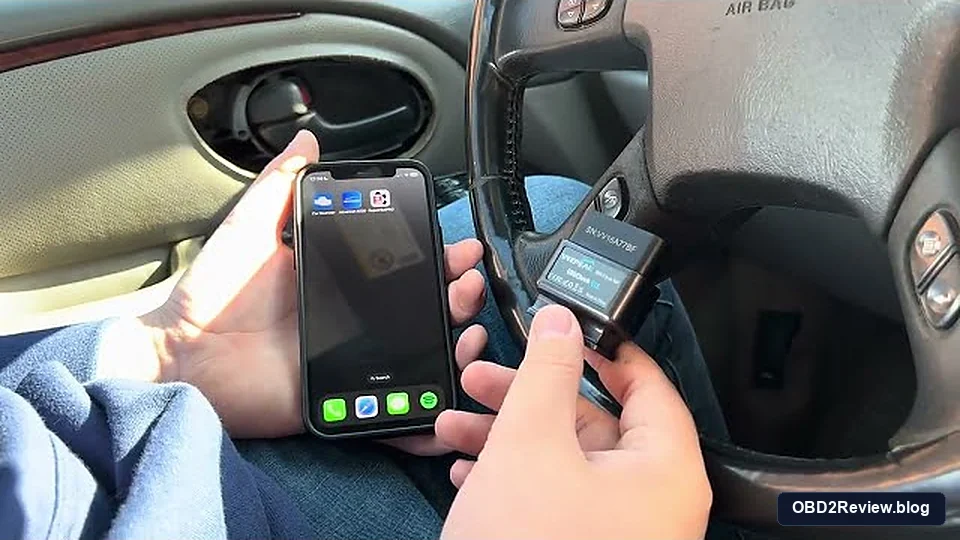
Electrical efficiency remains a critical design pillar for always-plugged diagnostic tools. An intelligent power management system transitions the device into a low-draw sleep mode.
This automated standby feature prevents vehicle battery depletion during extended parking periods. Current draw drops to negligible levels when the ignition sequence powers down.
Thermal management during active data transmission remains exceptionally stable. Passive dissipation successfully prevents internal component degradation under continuous operating loads.
Intelligent sleep modes drastically reduce parasitic draw during extended vehicle parking intervals. The unit automatically enters a low-power state once ignition voltage drops below specified threshold parameters.
Thermal dissipation characteristics remain stable within extreme ambient cabin temperature ranges. Internal voltage regulators manage current loads efficiently to prevent overheating during prolonged diagnostic sessions under heavy load.
Electrical circuit protection includes integrated reverse polarity safeguards and short-circuit filters. These safeguards protect both the vehicle network and mobile device interfaces from unexpected voltage spikes or surges.
- Automated sleep mode prevents vehicle battery drain
- Extremely low quiescent current draw during standby
- Stable thermal performance during heavy data polling
Parasitic Draw and Standby Behavior
Extended vehicle storage tests confirm safe parasitic draw metrics. The hardware safely remains connected for weeks without impacting starter battery voltage.
Wake-up triggers respond instantly to ignition signals restoring communication seamlessly. This zero-maintenance power cycle improves long-term user convenience significantly.
- Safe for permanent vehicle port installation
- Instantaneous wake response upon ignition activation
Setup Protocols, Maintenance, and Long-Term Reliability
Initial configuration requires installing a compatible diagnostic app from official app stores. Users select the correct connection profile within app settings to establish communication.
Physical maintenance is virtually nonexistent due to solid-state internal electronics. Keeping the connector pins clean from dust accumulation ensures reliable electrical contact over time.
Long-term structural durability matches industrial expectations for automotive accessories. The rugged enclosure withstands repeated plugging cycles without mechanical pin fatigue.
Initial pairing requires simple in-app connection steps without navigating complicated operating system menus. Users simply plug the interface into the OBD port and select the device within software settings.
Routine maintenance involves keeping the connector pins clean from dust and moisture accumulation. Storing the unit in a protective glove compartment pouch prevents physical damage when not actively deployed.
Long-term reliability depends on avoiding exposure to excessive moisture and extreme direct sunlight. Firmware updates ensure the hardware adapts seamlessly to emerging diagnostic protocols and software applications over time.
- Straightforward in-app configuration and pairing steps
- Solid-state design requires zero routine maintenance
- Durable pin construction resists insertion wear damage
Troubleshooting Connection Anomalies
Occasional connection drops resolve by restarting the diagnostic application or power cycling ignition. Ensuring firmware permissions remain enabled prevents authorization roadblocks.
Maintaining updated software versions guarantees optimal protocol translation speeds. Structured troubleshooting workflows quickly restore normal diagnostic operations.
- Simple application restart clears temporary glitches
- Software updates maintain peak protocol compatibility
Advanced Capabilities versus Standard OBD-II Boundaries
The hardware focuses primarily on standard powertrain diagnostics mandated by federal regulations. Advanced manufacturer-specific modules remain inaccessible without specialized third-party software expansions.
Certain vehicle models unlock enhanced transmission temperature or ABS data via compatible apps. Users must verify app capabilities before purchasing software upgrades.
Specialized service reset functions like steering angle calibration require dedicated professional service tools. Understanding these software boundaries ensures realistic user expectations.
While standard OBD-II focuses primarily on emissions and powertrain data, this adapter unlocks deeper manufacturer extensions. Advanced users can access proprietary sub-systems depending on the specific diagnostic software.
Specialized applications enable coding modifications and service interval resets on supported vehicle makes. These enhanced functions bridge the gap between basic code readers and expensive professional dealership workstations.
Understanding hardware boundaries prevents users from attempting unauthorized ECU flashing or high-speed module programming. The device functions strictly as a communication bridge rather than a standalone ECU programmer.
- Full support for federal standard OBD-II parameters
- Optional access to advanced modules via specialized apps
- Clear boundary limitations regarding service resets
Manufacturer-Specific Module Exploration
Exploring enhanced diagnostics depends entirely on third-party developer integration. Selecting appropriate vehicle-specific apps unlocks hidden diagnostic parameters successfully.
Thorough pre-purchase research prevents disappointment regarding unsupported electronic control units. Matching software to vehicle architecture maximizes diagnostic utility.
- App-dependent access to enhanced vehicle modules
- Targeted software selection expands diagnostic scope
Comparative Market Position: Who Should Buy It
Value-seeking vehicle owners gain an affordable gateway into mobile diagnostics. The tool replaces bulky standalone code readers with a smartphone-integrated interface.
DIY mechanics appreciate the instant access to live sensor data streams during troubleshooting. The compact footprint makes it an essential glovebox accessory for road trips.
Professional technicians may require dedicated bidirectional tools for advanced module programming. Everyday drivers find the feature set perfectly balanced for personal maintenance tasks.
Positioning itself among versatile wireless adapters, this tool serves everyday drivers and enthusiast mechanics alike. Its balanced blend of affordability and protocol support makes it a staple accessory.
DIYers seeking quick diagnostic checks and fuel economy monitoring will find exceptional value here. Professional technicians exploring any best professional obd2 scanner prefer dedicated bi-directional tools for actuator tests.
Evaluating overall utility reveals a robust engineering philosophy focused on core diagnostic reliability. Buyers wanting seamless smartphone integration and dependable protocol translation will benefit immensely from this adapter.
- Exceptional value for budget-conscious vehicle owners
- Ideal glovebox companion for road trip monitoring
- Streamlined alternative to bulky standalone code readers
Final Purchasing Recommendation
Purchasing this adapter delivers reliable check engine light diagnostics without excessive cost. Its wireless convenience transforms smartphones into powerful troubleshooting dashboards.
Confirming app compatibility beforehand guarantees satisfaction with specific vehicle models. Smart mobile diagnostics make this adapter an essential automotive toolkit addition.
- Cost-effective solution for routine maintenance tracking
- Transforms mobile devices into functional scan tools
Frequently Asked Questions
Will this adapter drain my car battery if left plugged in?
No, it features an intelligent sleep mode that minimizes current draw. You can leave it connected safely without draining the battery.
Does this tool work with Apple iOS devices?
Yes, it supports Bluetooth LE connectivity for seamless pairing with iPhones and iPads directly inside compatible diagnostic applications.
Can I reset maintenance lights and service intervals?
Reset capabilities depend entirely on the third-party app you choose. Standard software focuses strictly on powertrain diagnostics rather than service resets.
What vehicles are officially compatible with this scanner?
It supports most light-duty vehicles built from nineteen-ninety-six onward in the United States. Always verify protocol compliance for electric vehicle models.
Do I need to pay for diagnostic apps separately?
Basic free apps provide standard code reading capabilities. Advanced features often require separate third-party app purchases to unlock full functionality.