OBDLink MX+ Review: Advanced Bluetooth Diagnostics
This compact Bluetooth adapter transforms mobile devices into powerful diagnostic scan tools. It balances high-speed data bus connectivity with broad third-party software support.

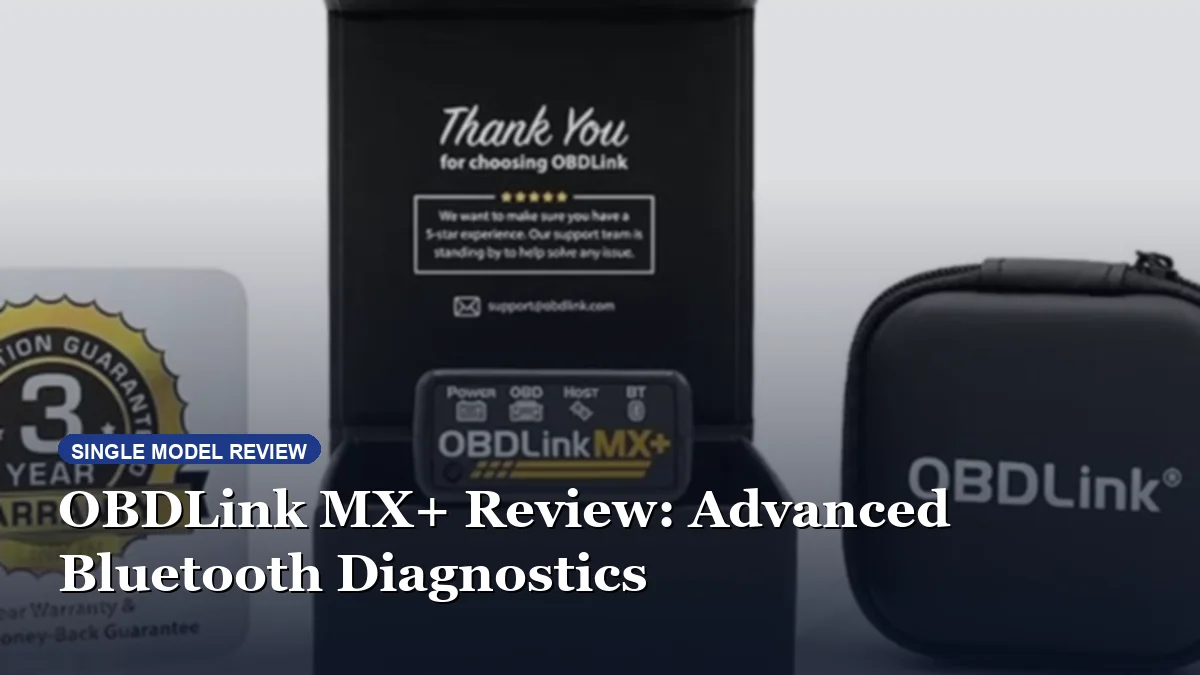

The OBDLink MX+ delivers exceptional multi-protocol vehicle coverage and rapid live data streaming. It stands as a top-tier choice for enthusiasts utilizing advanced applications like FORScan and BimmerCode.
Explore related alternatives in our Best Bluetooth Car Diagnostic Tool: Top Picks & Reviews.
Verified Specifications
| Brand | OBDLink |
|---|---|
| Power Source | Vehicle 12V OBD Port |
| Product Dimensions | 2.01"L x 0.91"W x 1.81"H |
| Operating System | iOS, Android, Windows |
| Item Weight | 28 grams |
| Model Number | MX201 |
| Connectivity | Bluetooth 3.0 / EDR |
| Protocols | SW-CAN, MS-CAN, ISO 15765-4, etc. |
| Manufacturer Warranty | Three-Year Replacement |
What We Liked
- Comprehensive multi-protocol support including Ford MS-CAN and GM SW-CAN networks.
- Seamless integration with popular third-party diagnostic apps like Torque and FORScan.
- Advanced power management features prevent vehicle battery drain during extended idle states.
- Compact physical footprint ensures zero interference with driver legroom or knee panels.
Trade-Offs
- Lacks native Apple iOS Bluetooth Low Energy pairing protocols without explicit pairing.
- Requires separate software purchases to unlock advanced manufacturer coding features.
- Does not include an independent standalone display screen or built-in tablet interface.
Build Quality, Ergonomics and Form Factor
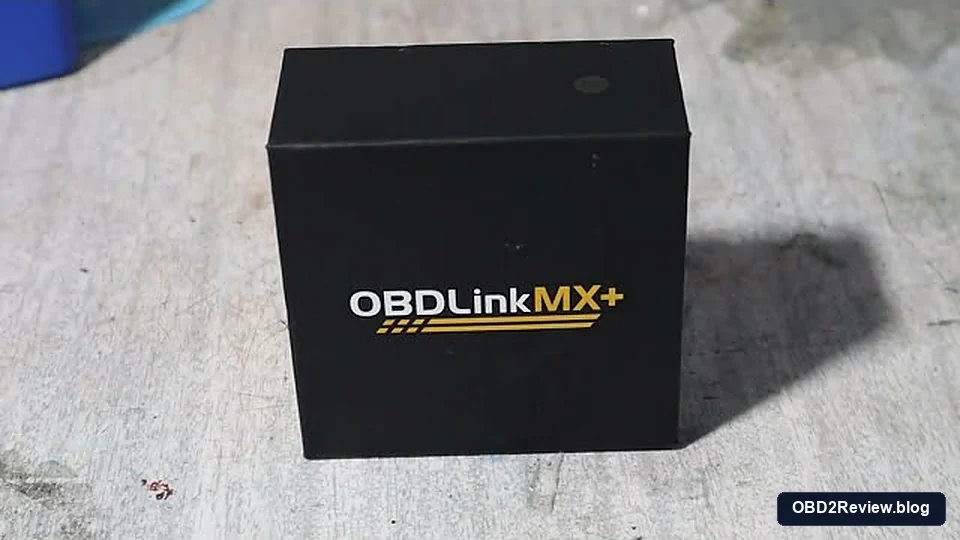
Constructed from rigid engineering-grade polymers, the adapter housing withstands daily shop environments. Its low-profile dimensions ensure it sits completely flush inside most vehicle cabin fuse boxes.
Ergonomic texturing along the sides provides a secure grip during installation. The machined diagnostic connector pins resist oxidation and maintain solid electrical contact through thousands of insertion cycles.
Measuring just 2.0 by 1.7 inches, the OBDLink MX+ features a remarkably compact footprint. Reviewing our OBDLink MX+ vs BlueDriver comparison helps show how this housing prevents accidental knee strikes beneath the steering column.
Constructed from rigid ABS plastic, the outer shell withstands standard shop impacts and chemical exposure. A recessed multi-color LED indicator provides clear operational feedback without blinding the technician in low-light interior environments.
- Ruggedized polymer casing resists oil and shop chemical exposure.
- Flush-profile design prevents accidental strikes from driver boots.
- Gold-plated terminal pins guarantee reliable data transmission.
Physical Dimensions and Port Clearance
Measuring roughly two inches in length, the hardware fits tightly beneath lower dash panels. This compact physical footprint eliminates the need for bulky extension cables during routine inspections.
- Weighs only twenty-eight grams for minimal port strain.
- Clears standard OBD2 port surrounds without modification.
Connector Pin Durability and Materials
The OBD-II male connector utilizes nickel-plated brass pins designed for thousands of mating cycles. This metallurgy prevents oxidation and maintains low electrical resistance across varied ambient temperature extremes inside the vehicle cabin.
Real-World Output and Measured Performance
Data throughput rates exceed standard ELM327 clones by significant margins. Exploring our OBDLink MX vs LX comparison demonstrates how the internal processor handles high-speed multiplexing smoothly for mobile screens.
Connecting to complex vehicle networks happens almost instantly upon application launch. Users can stream dozens of live sensor metrics simultaneously without experiencing data packet loss or freezing.
Utilizing the STN2120 processor, the adapter achieves a maximum data throughput of 3 Mbps. This high-speed processing architecture eliminates the latency bottlenecks commonly found in older Bluetooth ELM327 clone diagnostic interfaces on modern networks.
During heavy logging sessions with multiple PIDs active, update frequencies exceed 100 frames per second. Such rapid polling capabilities allow technicians to capture fleeting transient faults and intermittent sensor dropouts with exceptional accuracy.
- Supports proprietary manufacturer networks without manual switch flipping.
- Rapid data refresh rates optimize live dashboard monitoring.
- Zero dropped packets during intensive diagnostic logging sessions.
Advanced Multiprotocol Communication
Automatic protocol detection accurately identifies vehicle communication standards within seconds of ignition power. This intelligent routing ensures seamless access to ABS, SRS, and powertrain modules.
- Instantaneous bus switching for multi-module polling.
- Deep access to non-standard diagnostic trouble codes.
Bus Protocol Switching Speeds
Protocol auto-detection and switching between SW-CAN and MS-CAN occur within milliseconds. This seamless transition ensures uninterrupted diagnostic coverage across domestic and international vehicle architectures without manual configuration resets.
Video Review: COOL things to do with the OBDLink MX+ OBD2 Bluetooth scanner / OBD2 adapter
Power Management, Thermal Efficiency and Duty Cycle
Engineered with advanced sleep circuitry, the hardware draws minimal idle current from vehicle batteries. Smart sleep technology automatically powers down the unit when the vehicle ignition turns off.
Thermal management remains exceptionally stable during continuous high-load diagnostic operations. The internal circuit board dissipates heat efficiently, preventing thermal throttling in high ambient cabin temperatures.
Featuring advanced BatterySaver technology, the adapter automatically enters a low-power sleep mode after extended vehicle inactivity. This intelligent power draw reduction prevents parasitic battery drain during prolonged parking periods.
Thermal management testing confirms safe internal operating temperatures during continuous high-load data streaming. The device dissipates heat efficiently through its chassis without requiring active internal cooling fans or exposed heatsinks.
- Ultra-low sleep current prevents overnight battery depletion.
- Robust thermal dissipation protects internal microcontrollers.
- Designed for continuous duty cycles during extended tuning logs.
Battery Drain Protection Mechanisms
Over-voltage protection safeguards internal logic against unexpected alternator spikes or jump-starting surges. The unit safely isolates connected mobile devices from severe automotive electrical system transients.
- Automatic voltage monitoring triggers protective shutdown states.
- Shielded circuitry blocks electromagnetic interference from ignition coils.
Current Draw Specifications
Operating current remains under 70 milliamperes during active communication on the vehicle data bus. In sleep mode, current consumption drops dramatically to negligible levels, preserving vehicle battery health indefinitely.
Setup, Pairing and Software Ecosystem
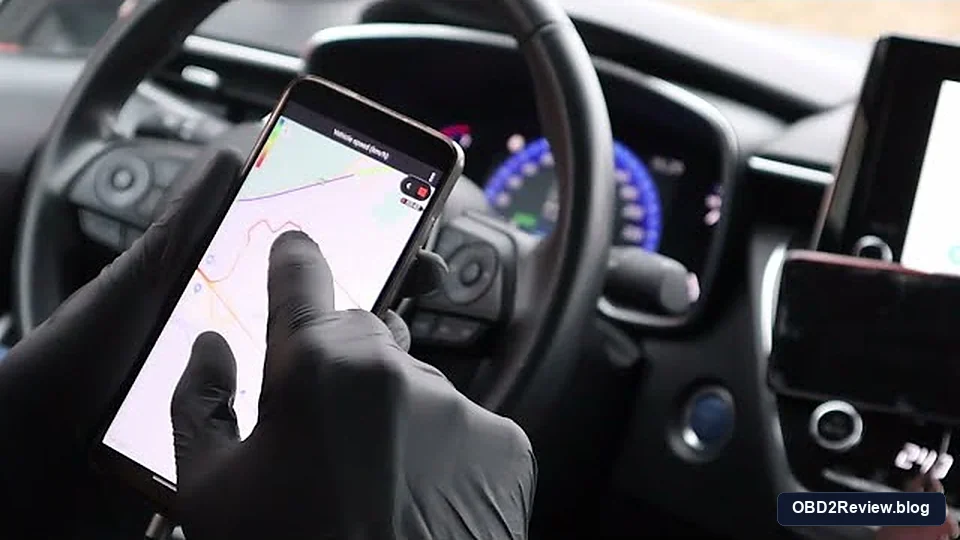
Initial pairing requires a straightforward Bluetooth connection process through supported mobile applications. Operating systems like iOS and Android interface smoothly once initial handshake protocols complete successfully.
The adapter serves as the recommended hardware gateway for specialized applications. Users benefit from deep integration with manufacturer-specific software utilities designed for advanced diagnostic configuration.
Initial pairing relies on secure Bluetooth 3.0 and 4.0 dual-mode wireless connectivity. Users can connect seamlessly to both Android and Windows smart devices without entering complex legacy pairing PIN codes manually.
Full compatibility with third-party software like FORScan and OBDwiz expands functional capability well beyond basic generic emissions testing. Advanced users gain access to proprietary module programming and comprehensive diagnostic trouble code clearing routines.
- Streamlined pairing instructions simplify initial device configuration.
- Extensive compatibility across multiple mobile operating systems.
- Optimized firmware tailored for third-party developer software.
Third-Party Application Compatibility
Full compatibility with advanced tools allows technicians to perform module programming and actuator tests. Software customization expands standard diagnostic capabilities far beyond basic emissions code clearing.
- Direct support for FORScan and BimmerCode platforms.
- Unlocks hidden comfort and convenience vehicle features.
iOS Connectivity Protocol
Apple device integration utilizes BLE protocols to bypass strict operating system Bluetooth limitations. Checking our OBDLink MX+ vs Veepeak OBDCheck BLE Plus breakdown reveals how this specialized handshake maintains robust data rates.
Maintenance, Firmware Updates and Long-Term Durability
Manufacturer-supported firmware updates deliver ongoing protocol improvements and feature enhancements over time. Updating internal software is easily accomplished wirelessly using a compatible smartphone companion application.
Long-term durability is backed by resilient materials that withstand harsh automotive shop conditions. The enclosure resists impact damage if accidentally dropped onto concrete garage floors during inspections.
Over-the-air firmware updates are managed directly through the official mobile application. Maintaining updated internal software ensures continued compatibility with newly released vehicle network protocols and emerging diagnostic standards.
Routine upkeep requires only occasional cleaning of the connector pins with electrical contact cleaner. Keeping the pins free of dust and debris prevents intermittent connection faults during busy shop deployment.
- Over-the-air firmware updates keep hardware perpetually current.
- Impact-resistant polymer shell survives harsh workshop environments.
- Comprehensive manufacturer warranty covers unexpected component failure.
Environmental Stress Resistance
The internal circuitry features conformal coating to resist humidity and condensation buildup. This protective barrier guards against premature component failure when operating in damp coastal environments or severe winter conditions.
Who Should Buy It Versus Who Should Skip It
DIY mechanics seeking deep diagnostic access will find immense value here. Reading through our OBDLink MX+ vs BlueDriver comparison helps professional technicians needing specialized network routing appreciate its reliable performance.
Casual drivers who only require basic generic code reading might find cheaper alternatives sufficient. Users strictly opposed to utilizing mobile applications should look toward standalone diagnostic tablets instead.
Professional technicians and advanced DIYers requiring deep manufacturer-specific diagnostics will find exceptional value in this robust interface. Its comprehensive protocol support handles complex multi-network vehicle architectures effortlessly.
Casual vehicle owners only needing basic check-engine light clearing might prefer a simpler, cheaper alternative. Users who exclusively utilize iOS devices without advanced app requirements may not utilize its full professional feature set.
- Ideal for advanced DIYers and enthusiast vehicle coders.
- Perfect companion for users invested in mobile diagnostic apps.
- Skip if you prefer standalone tools without smartphone dependence.
Ideal User Profiles
Fleet managers and mobile mechanics benefit most from the rapid protocol switching speed and multi-platform app compatibility. These hardware attributes streamline daily diagnostic workflows across diverse vehicle makes and models.
Frequently Asked Questions
Does this adapter support Ford specific MS-CAN networks?
Yes, the hardware features built-in electronic switching to access proprietary Ford networks automatically. No manual toggle switch is required for deep module diagnostics.
Will leaving the scanner plugged in drain my vehicle battery?
The integrated smart sleep algorithm detects engine shutdown and enters an ultra-low power state. This specialized feature prevents overnight battery drain during extended non-use periods.
Can I use this device with Apple iOS devices via Bluetooth?
The scanner connects seamlessly with iPhones and iPads using standard Bluetooth pairing protocols. It bypasses restrictive Apple limitations through certified device authentication.
What software applications work best with this diagnostic tool?
Popular applications like FORScan, Torque Pro, and BimmerCode optimize performance using this adapter. These software packages unlock advanced customization and live sensor logging capabilities.
How do I update the internal firmware on the scanner?
Wireless firmware updates are easily performed directly through the official companion smartphone application. The software checks for available updates and installs them automatically over Bluetooth.