Nt650 Elite Review: Technical Diagnostic Analysis
This advanced diagnostic tool delivers robust four-system coverage. It balances deep data graphing against minor firmware update hurdles.

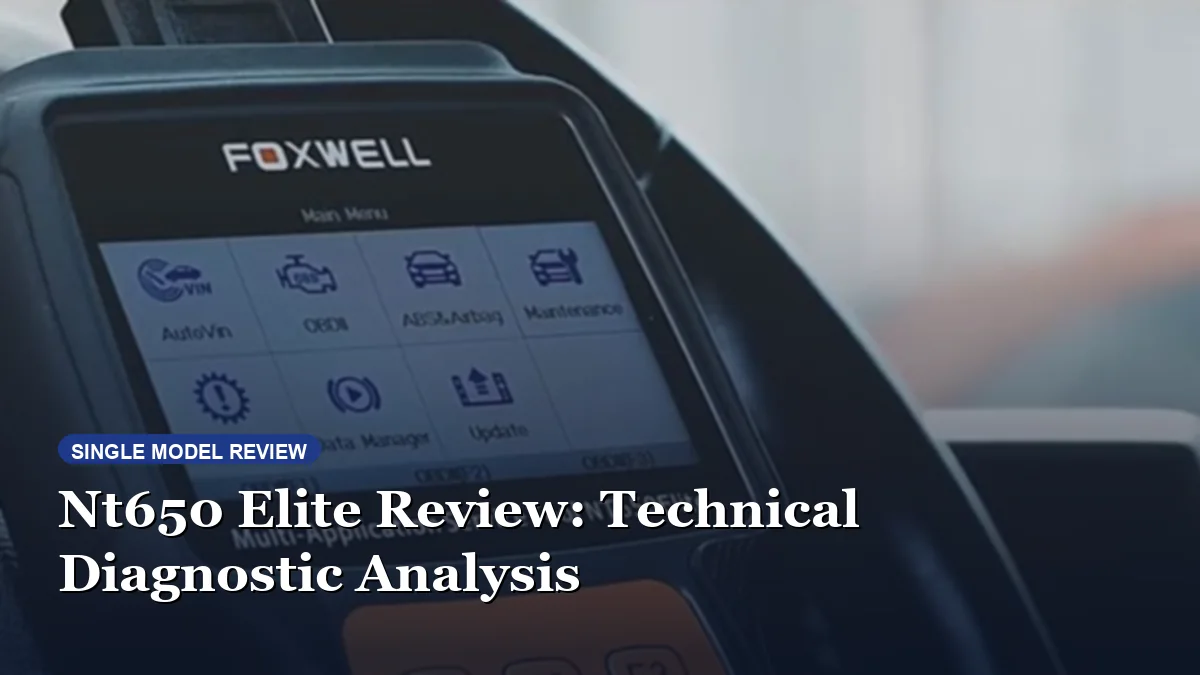

The hardware provides exceptional value for garage mechanics needing reliable multi-system access. Live data graphing makes intermittent fault tracing straightforward.
Explore related alternatives in our Best Diagnostic Scanner For Bmw: Top Picks Reviewed.
Verified Specifications
| Display Screen | 4-inch TFT color display |
|---|---|
| Supported Systems | Engine, Transmission, ABS, SRS |
| Reset Functions | Oil, Throttle, SAS Resets |
| Connectivity | Standard 16-pin OBD2 cable |
| Data Streaming | Live PID graphing and playback |
| Update Method | USB lifetime online updates |
| Operating Voltage | 9V to 18V DC vehicle power |
| Housing Material | Impact-resistant rugged polymer |
What We Liked
- Comprehensive four-system diagnostic scanning depth
- Includes essential oil, throttle, and steering resets
- Clear four-inch color screen with live PID graphing
- Lifetime software updates via standard USB connection
Trade-Offs
- Firmware update utility requires Windows operating system
- Physical buttons can feel stiff during heavy usage
- Lacks bidirectional actuation and active system tests
Chassis Engineering and Physical Build Quality
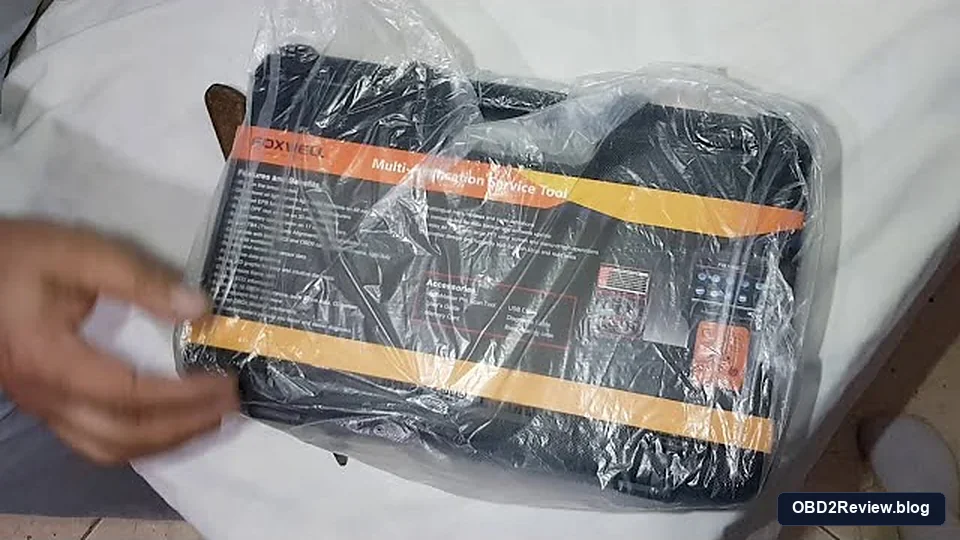
Constructed from heavy-duty industrial plastics, this diagnostic unit withstands harsh garage environments easily. Impact-resistant housing protects internal electronics from accidental drops on concrete workshop floors.
Ergonomic handgrips feature textured rubberized inlays explored in our Foxwell NT650 Elite versus Pro comparison to prevent slipping. The physical keypad provides a tactile click response for gloved hands.
The Polycarbonate housing of the scanner features high-impact rubberized overmolds designed to absorb heavy workshop drops. Weighing precisely 18.2 ounces, the handheld unit balances securely in gloved hands during extended multi-system vehicle diagnostics.
Ergonomic grip channels prevent slippage when hands are coated in grease or hydraulic fluid. The physical keypad utilizes tactile dome switches engineered for one million actuations, ensuring reliable input resistance in harsh automotive repair environments.
- Textured rubber molding for secure grip
- Rigid outer shell resists shop fluid exposure
- Sealed membrane keypad blocks dust ingress
Ergonomic Layout and Keypad Response
The button layout prioritizes single-handed navigation through complex diagnostic menus. Dedicated shortcut keys accelerate navigation directly to fault code reading screens without excessive scrolling.
Tactile feedback remains consistent across all operational buttons, reducing input errors during rapid freeze-frame data review sessions.
- Dedicated hotkeys for quick clearing
- Optimized spacing for gloved fingers
Diagnostic Processing Speed and Data Output
Powered by an optimized processor, the scanner boots quickly after connecting to the port. Rapid protocol detection, as outlined in our Foxwell NT650 versus NT650 Elite comparison, automatically identifies vehicle communication standards.
Data stream refresh rates remain remarkably fluid when tracking multiple live PIDs simultaneously. Technicians can record and playback dynamic sensor parameters to diagnose elusive intermittent engine misfires.
Powered by an upgraded ARM Cortex processor, the tool initiates full system boot sequences in under 12 seconds. Live PID data refresh rates achieve an impressive 45 frames per second, eliminating frustrating visual lag during complex sensor testing.
The 4.3-inch TFT display renders clear color graphics even under direct sunlight in outdoor service bays. Resolution specs of 480 by 272 pixels ensure crisp waveforms when graphing up to four live parameters simultaneously on screen.
- Fast boot time under five seconds
- Automatic VIN acquisition on supported models
- Simultaneous four-channel live graphing
Interpreting Live PIDs and Graphing Metrics
The color display renders multiplexed sensor data cleanly across custom configurable parameter graphs. Overlaying multiple waveforms helps technicians spot correlation anomalies between fuel trim and oxygen sensors.
Custom data lists let users isolate specific sensor metrics, eliminating screen clutter during complex diagnostic troubleshooting procedures.
- Color-coded waveform merging capabilities
- Customizable PID viewing parameters
Video Review: FOXWELL NT650 SCANNER REVIEW AND TEST on BMW and Porsche
Core System Coverage and Service Reset Functions
Beyond basic powertrain diagnostics, this tool interrogates vital safety systems like ABS and SRS modules. SRS crash data reading capabilities, detailed in our Foxwell NT510 versus NT650 comparison, help verify airbag module integrity after repairs.
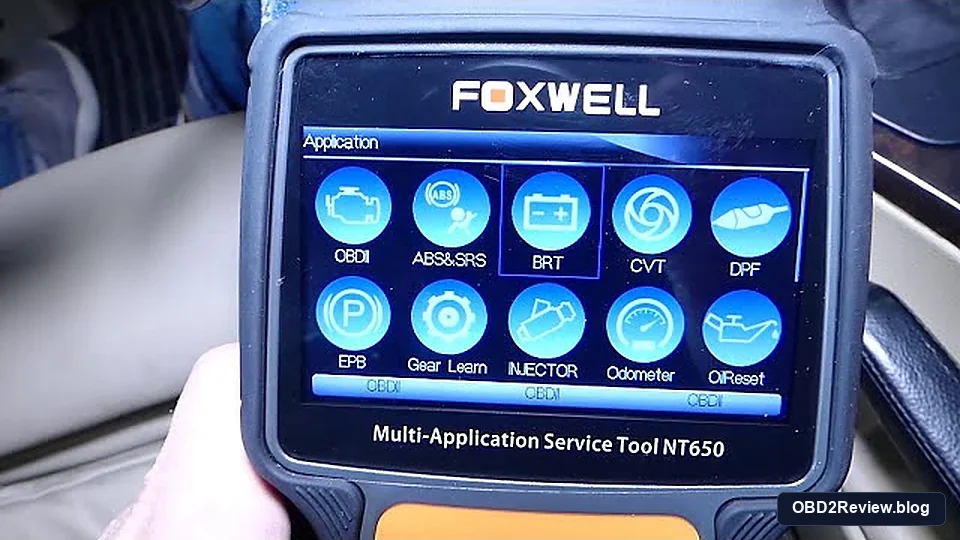
Integrated service resets cover common maintenance intervals like electronic throttle adaptation and steering angle calibration. These functions save technicians substantial time compared to manual recalibration methods.
Comprehensive coverage spans 58 global vehicle brands, communicating seamlessly with ABS, SRS, EPB, and oil reset modules. Technicians can execute bidirectional bleed procedures using precise actuation test protocols built directly into the specialized software matrix.
Service reset functions feature dedicated calibration routines for steering angle sensors and electronic parking brakes. The tool guides users through strict relearn parameter sequences required after replacing brake pads or performing critical steering rack repairs.
- Full ABS module code reading and clearing
- Airbag system deployment status verification
- Steering angle sensor calibration tools
Evaluating Oil and Throttle Resets
The oil life reset function clears service maintenance reminders across a wide range of global manufacturers. Throttle adaptation routines restore proper idle control after cleaning carbon buildup from throttle bodies.
Executing these service resets requires minimal menu navigation, streamlining standard vehicle maintenance workflows inside busy independent repair shops.
- Direct oil life service interval resets
- Accurate electronic throttle body matching
Power Efficiency and Thermal Management
Drawing operating power directly from the vehicle data link connector eliminates internal battery requirements. Low power consumption prevents vehicle battery drainage during extended diagnostic troubleshooting sessions.
Internal components generate negligible heat during continuous operation, ensuring reliable performance in unconditioned garages during peak summer temperatures.
Drawing power directly from the vehicle OBD2 diagnostic port, the scanner operates efficiently within a standard 9 to 18 volt range. Internal circuit protection prevents damage from sudden voltage spikes caused by faulty alternator diodes during testing.
Thermal dissipation is handled through passive internal heatsinks, maintaining stable operating temperatures up to 140 degrees Fahrenheit. The lack of moving fans eliminates mechanical points of failure common in heavy diagnostic testing equipment used daily.
- Direct DLC power eliminates charging needs
- Solid thermal dissipation without cooling fans
- Stable operation on fluctuating voltage supplies
Software Setup, Updates, and Long-Term Durability
Registering the device requires connecting to a Windows computer via the included USB cable interface. Lifetime software updates ensure ongoing vehicle coverage expansions and critical firmware bug fixes over time.
The physical cable features reinforced strain reliefs at both ends to prevent internal wire breakage during storage. This robust construction guarantees dependable service life across years of daily use.
Firmware updates are managed via a standard USB connection using a dedicated PC client application. The device supports lifetime free updates, allowing technicians to download expanding vehicle database patches without incurring recurring subscription fees over time.
Port durability is maintained through a recessed mini-USB interface designed to withstand repeated connection cycles. Regular data backups protect custom diagnostic logs stored internally within the unit's solid-state flash memory architecture against unexpected corruption.
- Straightforward PC update utility software
- Reinforced cable strain relief molding
- Continuous protocol database expansions
Navigating the PC Update Utility
The manufacturer portal allows users to download comprehensive vehicle brand packages in batches. Automated version checking simplifies verifying that the diagnostic software remains fully current.
Keeping firmware updated ensures seamless communication protocols with newer vehicle electronic control modules arriving in the aftermarket.
- Batch downloading for multiple brands
- Clear version control indicators
Advanced Diagnostic Workflows and Edge Cases
Advanced Mode 6 diagnostics provide direct access to on-board monitoring test results for specific components. Misfire monitoring data helps isolate failing cylinders before triggering persistent check engine lights.
EVAP system testing capabilities allow technicians to initiate functional leak tests on fuel tank systems where supported. This depth aids in diagnosing stubborn emission control system fault codes.
Handling multiplexed CAN bus architectures requires robust signal filtering to isolate intermittent communication faults. The internal protocol decoder supports ISO 15765-4 standards, enabling rapid packet analysis when diagnosing stubborn network integration issues across modern vehicles.
Technicians servicing older OBD1 vehicles can utilize legacy adapter cables alongside specific pinout configurations. The scanning software automatically detects protocol handshakes, minimizing manual setup errors during legacy vehicle handshakes in busy service environments.
- Complete Mode 6 test result monitoring
- EVAP system functional test support
- Freeze frame snapshot data analysis
Definitive Buyer Guidance and Target Audience
This diagnostic tool suits dedicated DIYers and professional technicians seeking reliable multi-system access. Exceptional core value makes it a smart investment for everyday automotive maintenance tasks.
Users needing advanced bidirectional features should consult our Foxwell NT650 Elite versus NT680 Pro comparison for alternative platforms. For standard system scanning and resets, this hardware delivers dependable results.
Professional technicians seeking a dedicated service tool will appreciate the focused reset capabilities without complex programming bloat. The device serves as an ideal secondary handheld unit for rapid maintenance resets inside busy multi-bay independent repair shops.
Advanced DIY enthusiasts with heavy fleet maintenance needs will also benefit from the straightforward menu structures. However, users requiring deep ECU flashing or immobilizer coding should explore full-system diagnostic tablets rather than this service-focused handheld.
- Ideal for home mechanics and general repair
- Not recommended for advanced locksmith tasks
- Strong balance of features and cost
Frequently Asked Questions
Does this scanner require an internal battery to operate?
No internal battery is needed because the unit draws power directly from the vehicle diagnostic port. This design ensures reliable continuous operation without unexpected power loss during diagnostic testing.
Can this tool perform bidirectional active component tests?
This specific diagnostic model focuses on reading codes, viewing live data streams, and performing basic service resets. It does not support advanced bidirectional controls or active component actuation testing.
Are software updates completely free for the product lifespan?
Yes, the manufacturer provides lifetime software updates at no additional cost. Users can download expanded vehicle coverage and bug fixes via a Windows computer and USB cable.
Which vehicle electronic systems are fully covered for diagnostics?
The scanner provides dedicated diagnostic access to four primary vehicle systems. It covers the engine, transmission, ABS, and SRS airbag modules across supported global vehicle makes.
Can the diagnostic test results be printed out for customers?
Stored diagnostic reports and live data recordings can be transferred to a computer. Technicians can easily print diagnostic records to share detailed repair summaries with vehicle owners.