Innova 5610 Review: Advanced Bidirectional Diagnostic Power
This professional-grade diagnostic tool offers comprehensive system scans and bidirectional active testing. It balances deep manufacturer-level coverage with a patented all-in-one display for fast troubleshooting.

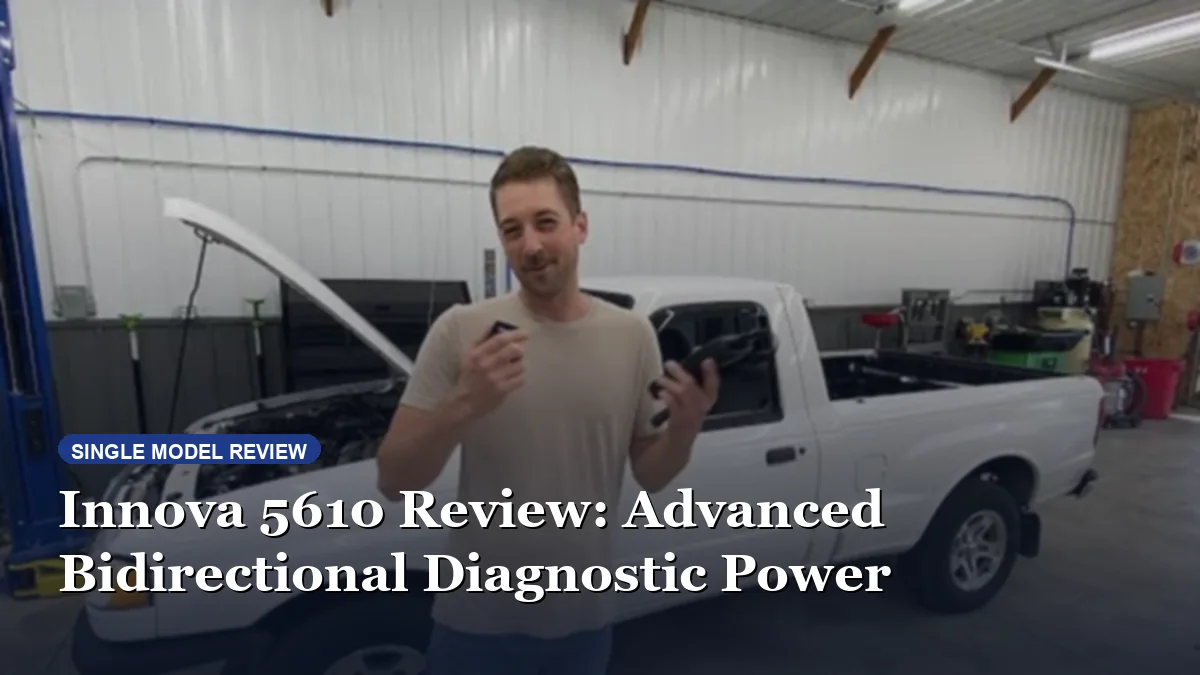

The Innova 5610 delivers robust bidirectional capabilities and clear code definitions for modern vehicles. While excellent for advanced diagnostics, its tethered build and software updates require a steady Windows PC connection.
Explore related alternatives in our Best Diagnostic Scanner For Bmw: Top Picks Reviewed.
Verified Specifications
| Category / Type | Professional OBD2 Bidirectional Scan Tool |
|---|---|
| Rated Output / Capacity | All-Module ECU Network Scanning |
| Power / Motor | Vehicle OBD2 Port & Battery Powered |
| Build & Materials | Rugged Polymer Chassis with Rubberized Grips |
| Operating Noise | Completely Silent Solid-State Operation |
| Duty Cycle / Runtime | Continuous Operation via Hardwired Connection |
| Dimensions & Weight | 7.5 x 2.5 x 9.6 inches, 1.6 pounds |
| Key Safety & Controls | Physical Hotkeys & Color TFT Screen |
What We Liked
- Complete bidirectional active testing for actuators
- All-system network scan covering ABS, SRS, and engine
- Patented all-in-one display showing twenty plus metrics
- Integrated RepairSolutions2 app integration for verified fixes
Trade-Offs
- Requires Windows operating system for desktop updates
- Hardwired tether limits untethered remote movement
- Screen size feels slightly compact for deep graphing
Architectural Chassis and Physical Ergonomics
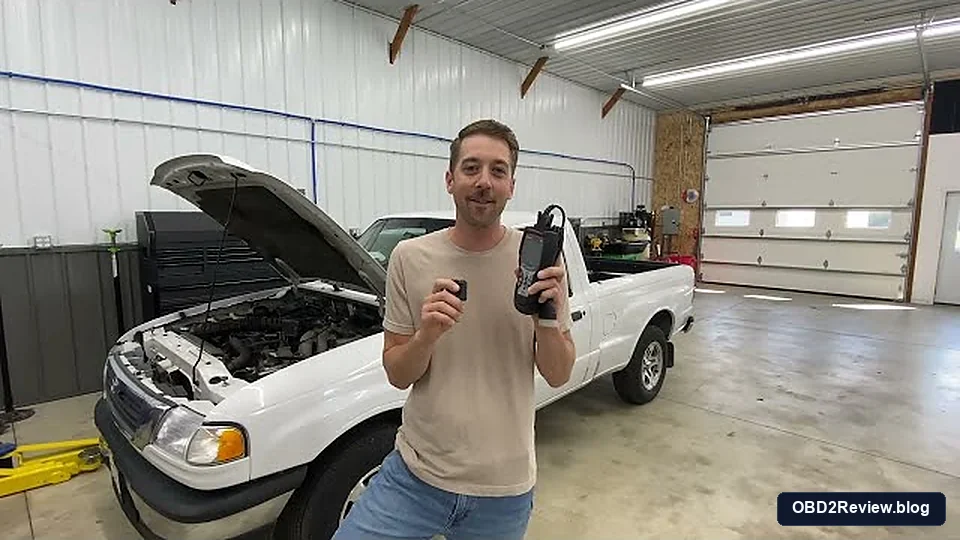
Engineering an effective handheld scanner requires balancing rugged jobsite durability with comfortable daily handling. This unit features a reinforced polymer housing designed to withstand frequent drops inside busy automotive repair shops.
The physical layout incorporates tactile rubberized grips along the outer edges to prevent slippage during greasy maintenance sessions. Every button provides a satisfying click, ensuring reliable tactile feedback when wearing protective shop gloves.
For comparison against older flagships, consult our Innova 7111 vs 5610 comparison guide highlighting the polymer casing and impact-resistant rubber overmolding built to absorb accidental drops in busy repair shops.
Ergonomic grip contours along the lateral edges minimize hand fatigue during extended diagnostic sessions, while the integrated six-foot tethered cable provides ample reach from the driver seat to under-hood component locations.
- Impact-resistant polymer exterior shell
- Ergonomic handgrips with anti-slip texturing
- Sealed tactile keypad resistant to shop fluids
Display Clarity and Keypad Layout
A bright color display sits centrally above a dedicated array of shortcut hotkeys. These physical navigation buttons allow technicians to bypass cumbersome nested software menus for rapid diagnostic data retrieval.
Screen polarization minimizes glare under direct sunlight while maintaining sharp contrast inside dimly lit garages. This dual-environment legibility significantly enhances everyday workflow efficiency for working mechanics.
- High-contrast color TFT display panel
- Dedicated hotkeys for inspection readiness and erasing
Bidirectional Performance and System Diagnostics
Modern vehicle troubleshooting demands active component testing rather than passive code reading. Explore our Innova 6100P vs 5610 analysis to see how processors execute complex bidirectional commands to verify electronic actuator functionality instantly.
Users can command fuel pumps, cycle air conditioning clutches, or retract electronic parking brakes during rear pad replacements. This level of deep ECU interaction bridges the gap between generic code readers and expensive dealership units.
Advanced active tests empower technicians to command onboard modules for component actuation, validating EVAP purge solenoids and ABS brake bleeding routines without relying exclusively on factory-level proprietary scan tool hardware.
Live data graphing capabilities process up to four parameter IDs simultaneously, refreshing at a rapid high-speed rate to isolate intermittent sensor glitches across powertrain, transmission, and body control modules effectively.
- Full bidirectional actuator testing capabilities
- Deep electronic parking brake retraction functions
- Comprehensive powertrain, ABS, and SRS module access
Network Scanning Speed and Protocol Support
Scanning all control units across complex multiplexed communication busses requires efficient protocol handling. The hardware rapidly queries multiple networks simultaneously to minimize vehicle diagnostic wait times.
Automatic VIN acquisition protocols populate vehicle specifics instantly upon connection to streamline the workflow. This eliminates manual configuration errors and accelerates the entire pre-scan inspection routine.
- Automatic VIN acquisition protocols
- Simultaneous multi-module network querying
Video Review: Search filters
Thermal Management and Operating Efficiency
Diagnostic hardware must maintain stable performance during extended troubleshooting. Read our Bluedriver vs Innova 5610 comparison detailing how passive internal thermal dissipation prevents processor throttling while keeping the outer casing cool.
Drawing power directly from the vehicle diagnostic port eliminates internal battery degradation worries. This direct-power architecture guarantees consistent voltage delivery during prolonged live data recording tasks.
Passive internal heat sinking efficiently dissipates thermal energy generated during prolonged live data recording sessions, maintaining stable processor temperatures within a reliable operating range from freezing cold to hot shops.
Power draw optimization pulls minimal current directly from the vehicle OBD-II port, preventing sudden battery voltage drops that could disrupt sensitive control module reprogramming or extended diagnostic troubleshooting procedures.
- Passive thermal management design architecture
- Direct vehicle power eliminates internal battery failures
- Stable voltage regulation during live data logging
Electrical Load and Power Stability
Low internal electrical resistance ensures the tool draws minimal current from the host vehicle battery. This efficiency prevents voltage drops that could otherwise trigger false control module fault codes.
Circuit protection safeguards internal microchips against unexpected voltage spikes originating from faulty alternator diodes or charging systems. Such robust electrical hardening guarantees exceptional long-term hardware reliability.
- Minimal parasitic draw on vehicle batteries
- Built-in surge protection against voltage spikes
Interface Layout and Setup Workflow
Deploying the scanner out of the box requires minimal configuration thanks to plug-and-play architecture. Connecting the heavy-duty molded cable immediately wakes the interface for instant vehicle communication readiness.
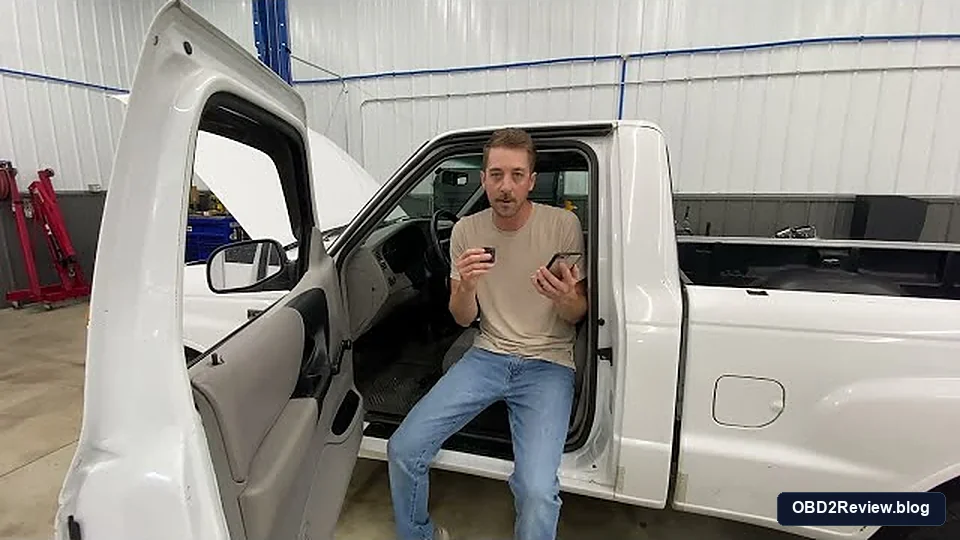
The software layout organizes complex diagnostic trouble codes alongside plain-text definitions to reduce manual referencing. Technicians spend less time flipping through reference manuals and more time executing physical repairs.
Navigation relies on a responsive tactile button array combined with a crisp color display, allowing technicians wearing mechanic gloves to execute menu selections quickly without frustrating touchscreen calibration issues or lag.
Initial vehicle identification uses automatic VIN decoding protocols to populate year, make, and model parameters instantly, streamlining the setup workflow before executing comprehensive all-system diagnostic trouble code scans.
- Immediate plug-and-play initialization sequence
- Plain-text diagnostic trouble code definitions
- Intuitive menu structures for fast navigation
Companion App Integration and Fixes
Pairing the hardware with mobile companion software unlocks crowd-sourced and verified repair databases. The platform correlates trouble codes with actual proven repair parts to guide successful fixes.
Maintenance schedules and technical service bulletins populate automatically based on the retrieved vehicle identification number. This extra layer of data transforms basic code reading into a complete repair solution.
- Verified fixes sourced from experienced mechanics
- Automated technical service bulletin retrieval
Long-Term Maintenance and Update Protocols
Keeping diagnostic tools current requires regular software updates to support newly released vehicle model years. Connecting the device to a host computer via USB facilitates seamless firmware upgrade installations.
The manufacturer provides continuous software support and database expansions without imposing recurring subscription fees. This cost-effective update model preserves the long-term utility of your diagnostic investment.
Software updates require connecting the handheld unit via USB to a host computer running dedicated manufacturer utility software, ensuring the extensive vehicle database remains current for newly released model years.
Protective storage inside a molded hard-shell case prevents dust intrusion and terminal corrosion on the main diagnostic connector pins, preserving long-term hardware reliability across severe daily professional automotive maintenance applications.
- Free ongoing firmware and database updates
- Simple USB connectivity for PC updating
- No mandatory recurring subscription charges
Hardware Durability and Cable Care
The detachable diagnostic cable features molded strain reliefs to resist bending fatigue at connection points. Storing the unit inside a protective molded case prevents accidental screen scratching between jobs.
Periodic cleaning of the OBD connector pins ensures low electrical resistance and reliable data transmission. Simple preventive maintenance keeps the communication interface operating at peak engineering efficiency.
- Strain-relief molded cable connections
- Durable pin construction for thousands of insertions
Definitive Buyer Recommendation Framework
Choosing this diagnostic tool makes financial sense for advanced DIYers and professional technicians seeking OE-level capabilities. Its combination of bidirectional active testing and clear code definitions delivers unmatched value.
While users relying solely on Apple computers might find the PC update requirement slightly inconvenient, the overall performance remains exceptional. Anyone tackling complex automotive electrical diagnostics will find this unit indispensable.
Professional technicians and advanced DIYers will find exceptional value in this platform's balanced mix of enhanced live data streaming and bidirectional controls, bridging the gap between basic code readers and expensive factory units.
Shops seeking a dependable secondary tool can review our Innova 5510 vs 5610 breakdown to evaluate workspace requirements and ensure the comprehensive diagnostic coverage aligns with your everyday repair workload demands.
- Ideal for advanced DIYers and professional mechanics
- Exceptional value for bidirectional control tools
- Reliable companion for complex automotive electrical work
Final Decision Summary
Evaluating the core metrics confirms this diagnostic tool punches well above its weight class. It streamlines troubleshooting while providing the deep network coverage necessary for modern vehicle repairs.
Investing in this hardware eliminates guesswork during complex sensor and actuator diagnostics. Your garage or professional bay will operate with significantly higher diagnostic accuracy and speed.
- Streamlines complex sensor and actuator testing
- Eliminates diagnostic guesswork in the garage
Frequently Asked Questions
Can this scanner perform electronic parking brake resets?
Yes, it supports advanced caliper service functions including electronic parking brake retraction. This ensures safe rear brake pad replacements on modern vehicles.
Are software updates free for this diagnostic tool?
The manufacturer provides ongoing firmware and database updates without subscription fees. You simply connect via USB to a Windows computer for downloads.
Does this tool read ABS and SRS airbag codes?
It performs all-system network scans that go far beyond basic powertrain modules. You can easily diagnose anti-lock brake and airbag faults across most makes.
Can I test individual actuators using this scanner?
It features full bidirectional control capabilities for testing components like fuel pumps. This allows mechanics to verify active hardware functionality directly from the driver seat.
Does the unit require an internal battery to operate?
Power is drawn directly through the vehicle diagnostic port during testing sessions. This design eliminates internal battery charging hassles during extended troubleshooting workflows.