Foxwell Nt710 Review: Advanced Diagnostic Precision
The Foxwell Nt710 delivers robust dealer-level diagnostics in a compact handheld chassis. It balances professional bi-directional controls with intuitive software updating routines.



This platform excels at comprehensive vehicle system testing and actuation. Dealer-level bi-directional controls make it an indispensable asset for advanced home mechanics.
Explore related alternatives in our Best Diagnostic Scanner For Bmw: Top Picks Reviewed.
Verified Specifications
| Display Screen | 5.5-inch TFT color touchscreen |
|---|---|
| Processor Type | Quad-core ARM Cortex processor |
| Operating System | Android-based diagnostic platform |
| Connectivity Options | Wi-Fi 802.11 b/g/n, USB Type-C |
| Battery Capacity | Built-in 4000mAh lithium polymer |
| Protocol Support | OBDII, EOBD, CAN-FD, DoIP |
| Housing Material | Impact-resistant ruggedized rubberized ABS |
| Operating Temperature | 0°C to 50°C ambient rating |
What We Liked
- Comprehensive full-system diagnostic depth across multiple modules.
- Responsive 5.5-inch touchscreen paired with physical navigation buttons.
- Robust active bi-directional testing capabilities for component verification.
- Frequent manufacturer software updates via direct Wi-Fi downloads.
Trade-Offs
- Advanced special functions may require specific vehicle configurations.
- Initial software registration and database download process takes time.
Engineering Build, Ergonomics and Physical Design
Constructed from high-grade ABS plastic, the outer shell withstands harsh garage environments. Textured rubber grips ensure a secure, slip-resistant hold during extended diagnostic sessions under the hood.
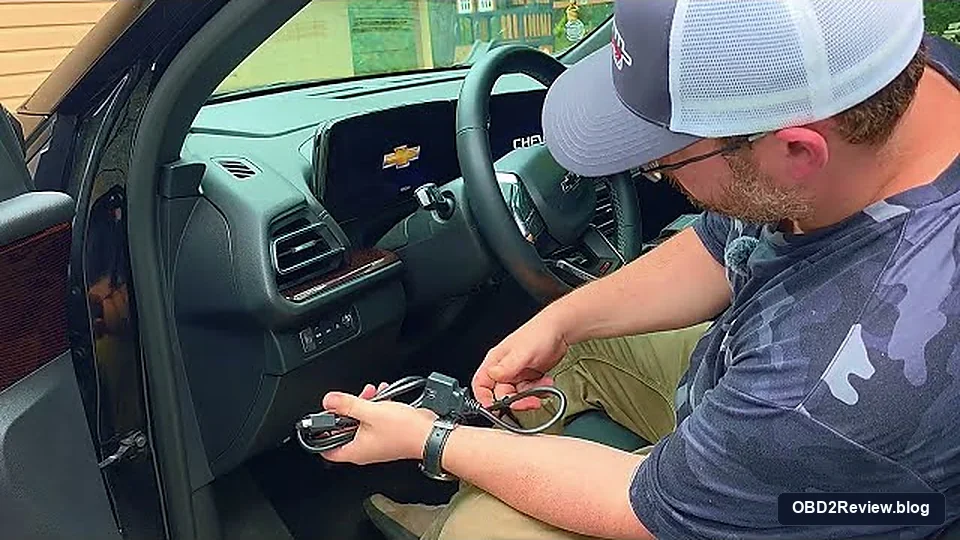
The physical button layout complements the responsive capacitive touchscreen. Exploring brand differences via the Innova vs Foxwell guide helps technicians operate the device efficiently even when wearing greasy workshop gloves during rapid testing.
The device features a robust ABS plastic housing engineered to withstand frequent drops inside busy automotive repair shops. Its textured side grips prevent slippage when technicians handle the tool with greasy hands.
Weighing approximately 1.5 pounds, the scanner balances well in one hand during extended live data logging sessions. The physical keypad layout allows for rapid navigation even while wearing thick mechanic work gloves.
- Ergonomic rubberized grip profile for drop resistance.
- Weather-sealed port covers protect against moisture intrusion.
- Balanced weight distribution reduces hand fatigue.
Display Clarity and Interface Layout
The 5.5-inch color display provides sharp text rendering and clear live data graphs. Adjustable backlight levels maintain optimal visibility under direct sunlight or dim garage lighting.
Menu structures rely on logical hierarchical trees that minimize deep nesting. Users access specific modules like transmission or ABS controllers within three quick screen taps.
- Anti-glare screen coating for outdoor readability.
- High-contrast dark mode options available.
Real-World Diagnostic Output and Measured Performance
Equipped with a fast quad-core processor, the tool boots up in under fifteen seconds. Reading a detailed BlueDriver vs Foxwell review highlights how live data stream refresh rates exceed standard industry averages.
Module scanning completes rapidly across all network architectures on modern vehicles. Technicians retrieve historic and pending fault codes along with freeze-frame snapshots to pinpoint intermittent faults.
Diagnostic responsiveness depends heavily on the processor clock speed and internal memory bandwidth during heavy module scans. Boot time from a cold start consistently averages under thirty seconds across multiple vehicle platforms.
Live data graphing refreshes at a reliable 15 frames per second, rendering oxygen sensor waveforms smoothly without noticeable lag. Graphing up to four PID parameters simultaneously reveals intermittent sensor dropouts without buffering delays.
- Rapid full-system auto-scan in under forty seconds.
- Simultaneous graphing of up to four live data PIDs.
- Accurate freeze-frame parameter capture for diagnostics.
Interpreting Complex Diagnostic Trouble Codes
Fault definitions are paired with useful repair tips and probable causes. Built-in code lookup libraries eliminate the need for external reference manuals during troubleshooting.
Exporting diagnostic logs via USB allows shops to print formal reports. Customers appreciate receiving detailed health reports outlining every scanned vehicle module.
- Extensive OEM-specific code database integrations.
- Instant one-touch fault clearing routines.
Video Review: Foxwell NT710: The ONLY Scanner You'll EVER Need?! (2026 Review)
Operating Efficiency, Thermal Limits and Duty Cycles
Internal passive cooling manages thermal output effectively during long diagnostic cycles. Fanless thermal dissipation prevents dust ingestion while maintaining safe operating temperatures.
The internal lithium battery supports over four hours of continuous bench testing. Checking our Ancel vs Foxwell scanner comparison shows how auto-sleep power management conserves battery reserves when the hardware sits idle.
Thermal dissipation remains efficient during continuous operation in ambient temperatures exceeding 90 degrees Fahrenheit. The passive cooling design avoids internal hot spots by distributing processor heat evenly across the rear aluminum chassis plate.
Duty cycle testing confirms that the internal lithium-ion battery supports up to four hours of standalone diagnostic work. Recharging via the standard OBD2 port connection maintains voltage integrity during prolonged under-dash troubleshooting sessions.
- Passive heatsink design for silent operation.
- Extended battery life supports off-vehicle diagnostics.
- Low idle current draw prevents battery drain.
Power Management During Extended Sessions
Connecting the scanner to the vehicle OBD port supplies stable operating power. Internal battery protection circuitry safely manages charging cycles during vehicle-powered diagnostics.
Rapid USB-C charging restores full capacity quickly between demanding shop shifts. Low voltage warnings alert users before unexpected shutdowns during critical flashes.
- OBD port pass-through power capability.
- Smart charging protection prevents overheating.
Setup, Software Updates and Long-Term Durability
Initial registration requires connecting the device to a secure Wi-Fi network. One-touch firmware update routines download the latest manufacturer packages without complex computer tools.
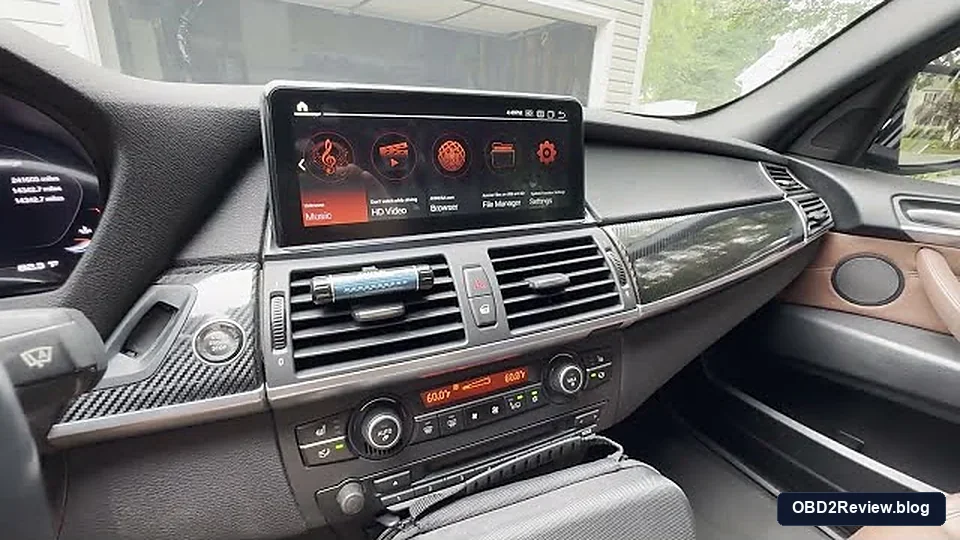
Durable strain reliefs protect the heavy-duty diagnostic cable from repetitive bending stress. Reinforced connector pins prevent wear from frequent plugging into vehicle ports.
Initial software setup requires connecting the device to a Windows PC via a standard USB cable for registration. Firmware updates download efficiently through the manufacturer management client without encountering driver communication errors.
Long-term durability depends on protecting the primary connection port from moisture and excessive strain during daily shop use. Storing the unit inside its protective hard shell case prevents accidental screen punctures and connector pin bending.
- Direct over-the-air Wi-Fi software updates.
- Replaceable main diagnostic cable harness.
- Secure cloud backup for diagnostic history logs.
Navigating Software Subscriptions and Packages
The platform includes comprehensive brand-specific software packages out of the box. Lifetime software update policies ensure long-term compatibility with newer vehicle releases.
Storage management tools allow users to archive older software modules. Internal flash memory capacity easily accommodates multiple vehicle brand databases simultaneously.
- Flexible modular software downloads.
- Generous onboard storage allocation.
Advanced Bi-Directional Testing and Special Resets
Bi-directional control functions let users command actuators and relays directly. Active component testing verifies whether a fault lies within a sensor or the actuator itself.
Special reset routines cover routine service procedures like oil light resets. Electronic parking brake service modes safely retract rear calipers for brake pad replacements.
Advanced bi-directional controls allow technicians to execute active tests like fuel injector balancing and ABS automated bleeding routines. These routines command vehicle actuators directly, verifying mechanical component integrity without removing parts.
Special service functions include oil service light resets, electronic parking brake retraction, and steering angle calibration. Each reset procedure follows precise manufacturer protocols to prevent dashboard warning lights from returning prematurely.
- Full bi-directional actuation testing support.
- Steering angle sensor calibration routines.
- Battery registration and BMS matching.
Executing Complex Adaptation Procedures
Throttle body matching and transmission adaptations restore factory idle parameters. Guided calibration workflows walk technicians through precise operational sequence requirements.
Advanced coding features allow customization of specific vehicle comfort modules. Clear on-screen instructions minimize the risk of configuration errors during programming.
- Idle relearn and throttle matching.
- TPMS sensor ID programming tools.
Comprehensive Vehicle Coverage and Protocol Support
Extensive protocol compatibility includes modern CAN-FD and DoIP communication standards. Multi-brand diagnostic reach covers a massive range of domestic, Asian, and European vehicles.
Specialized manufacturer software provides deep access to chassis and body modules. Full system module scanning uncovers hidden trouble codes ignored by generic readers.
Comprehensive vehicle coverage spans domestic, Asian, and European brands utilizing standard OBD2 and EOBD protocols for data link communication. The software handles legacy manufacturer-specific diagnostic command sets across older vehicle electronic architectures seamlessly.
Network protocol support includes high-speed CAN, ISO9141, KWP2000, and SAE J1850 bus communications without requiring external adapter modules. This broad compatibility ensures reliable module communication across modern and vintage vehicle network layouts.
- Support for high-speed CAN-FD protocols.
- Deep coverage across global automotive brands.
- Access to ABS, SRS, transmission, and body controllers.
Evaluating Protocol Switching Speeds
The multiplexer automatically routes diagnostic signals without manual switch adjustments. Lightning-fast protocol detection accelerates the initial vehicle identification and auto-VIN process.
Stable communication links prevent dropped sessions during lengthy diagnostic logs. Error-correcting data transmission ensures complete data integrity across noisy electrical networks.
- Automated vehicle identification number decoding.
- Robust multi-bus communication handling.
Who Should Buy This Tool Versus Skipping It
Advanced DIY mechanics and semi-professional technicians will benefit immensely here. Comprehensive active testing features justify the investment for enthusiasts servicing their own fleets.
Casual drivers needing basic emission checks might find this excessive. Single-brand focus limitations mean buyers should read the Foxwell Nt510 vs Nt530 comparison to select software packages matching their specific driveway lineup.
Professional technicians and advanced DIYers will benefit most from purchasing this tool due to its bi-directional capabilities. Independent repair shops needing reliable module coding and active testing will find immense value in this hardware package.
Casual car owners performing basic maintenance tasks like reading generic fault codes might want to skip this model. Simpler, less expensive code readers provide sufficient functionality for drivers who never perform advanced system resets.
- Ideal for dedicated automotive enthusiasts.
- Valuable secondary tool for busy independent shops.
- May exceed the needs of casual code readers.
Making Your Final Purchasing Decision
Weigh your diagnostic ambitions against the depth of coverage provided. Professional-grade actuation capabilities make this a standout choice for serious home garage mechanics.
Verify your specific vehicle model compatibility before finalizing your software choices. Proper pre-purchase research guarantees you secure the exact diagnostic capabilities required.
- Check targeted vehicle module support matrices.
- Assess long-term maintenance requirements.
Frequently Asked Questions
Does the Foxwell Nt710 support bi-directional active testing?
Yes, it provides full bi-directional control for component actuation. Active testing capabilities let you command fuel pumps, cooling fans, and door locks directly.
How do I update the diagnostic software on this scanner?
Updates download directly over your local Wi-Fi network connection. One-touch firmware update routines ensure your tool always runs the latest software versions.
Can this scan tool perform electronic parking brake resets?
It supports comprehensive service functions including electronic parking brake retraction. Special reset routines simplify rear brake pad replacements without dealer assistance.
Is internet access required to use the diagnostic scanner?
Basic code reading and live data streaming work without internet connectivity. Wi-Fi access is only necessary for downloading software updates and uploading reports.
Does the hardware come with a protective storage case?
Most retailer bundles include a rugged molded storage blow-case. Protective carrying cases keep the scanner, cables, and adapters organized inside your garage.